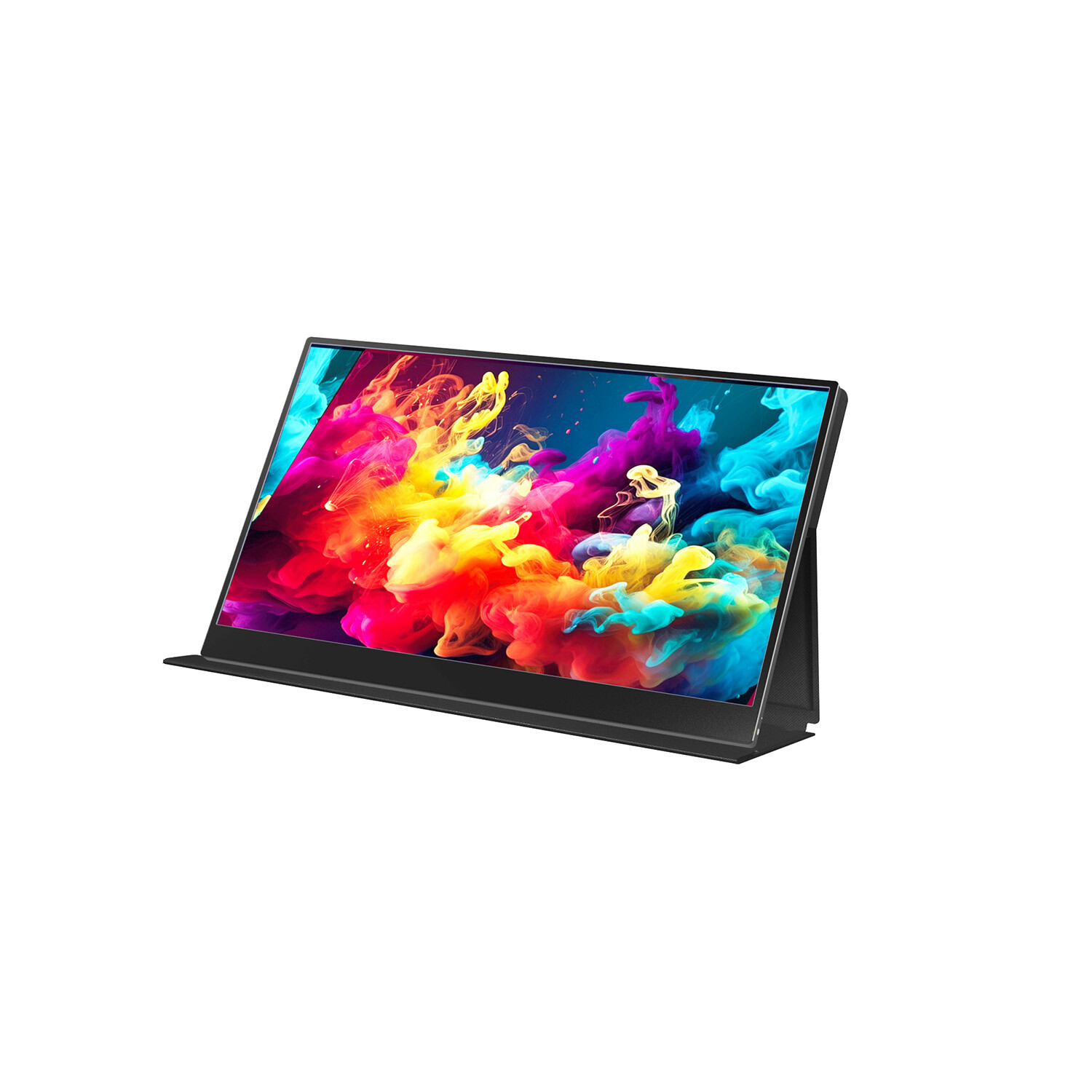
Imagine working, playing, or creating on a display that offers portability and performance that match your primary desktop screen. We all do that in the world where visual experience is as important as ever before.
Creative professionals, gamers, and business users alike rely on monitors that accurately represent the information shown on the screen. Color accuracy plays a big role in that — whether you’re a fan of OLED, dual portable monitors, or portable monitors for ps5.
Despite the extensive choice of display options on the market, many users focus on a resolution, screen size, or refresh rate but pay less attention to a probably the most important aspect — how well a portable monitor displays colors.
So, how much can accurate color influence your daily workflow and entertainment, and what features do you need to look for when selecting the best portable monitor for your needs?
1. Understanding Color Accuracy
In a technical sense, color accuracy refers to the match between the colors reproduced by a device and the intended original content. In other words, when a graphic designer or a motion picture colorist creates an image or a scene, the primary goal is to present these visual elements on a monitor in a way that will not distort the initial creative vision.
Displays with poor color quality or low brightness often produce distorted output, either oversaturated, washed out, or slightly “off” in tone. In most cases, this is an issue that only professionals in photography, video editing, and design notice and require that all visual information on the screen matches the colors on paper or in different media.
But for mobile professionals who use an OLED monitor, a portable monitor, or a dual portable monitor, even minor inaccuracies can quickly add up. When you need a portable monitor for work, the ability to preview and compare details in varying degrees of shadow, brightness, and saturation is vital for the review and inspection process.
2. The Role of Color Spaces and Calibration
Color spaces are standardized color models used to ensure uniformity between different output devices.
Some common examples are:
- sRGB: Standard for digital displays and web content
- Adobe RGB: Extended range of greens and cyans, preferred by photographers
- DCI-P3: Widely used in digital cinema and high-end monitors, with richer reds
A monitor with better color gamut coverage can display more colors, but accurate reproduction means correct calibration. Calibration is the process of aligning a monitor’s output with a reference standard, either from the factory or via user-controlled settings. Some portable monitors provide software tools for fine-tuning your profile.
3. Why Color Accuracy Matters for Portable Monitors
Portable monitors have evolved from simple secondary displays to versatile devices for all aspects of content creation, gaming, and productivity. Let’s explore the impact of color accuracy on these areas.
A. For Creative Professionals
Graphic designers, videographers, and photographers know the importance of accurate colors better than anyone else. Mobile professionals who edit or create on an OLED monitor or a dual portable monitor need every detail to be as true-to-life as possible, from skin tone to special effects.
OLED vs LED displays
LED displays use a backlight for illumination, which leads to less accurate contrast and limited range of grayscales. The technology also produces a consistent amount of light across the entire screen, which sometimes causes blooming or halo effects at the edges of bright objects.
OLED panels do not have a backlight — each pixel has its own source of illumination, and the intensity can vary. As a result, each OLED monitor has:
- A higher contrast ratio than its LED counterpart
- Brighter whites and deeper blacks
- Accurate color representation and details in dark areas of the image
In other words, OLED technology offers more refined control over highlights and shadows, ideal for artists and colorists. The portability and convenience of an OLED portable monitor extend those capabilities beyond a home studio, allowing creative professionals to work on the go without any compromise in color or quality.
B. For Gamers
Gamers using a portable monitor for ps5 or a portable gaming laptop want to see the action on the screen come to life with vibrant and lifelike colors. Accurate colors in gaming can make all the difference — they ensure that the immersive environments, lighting effects, and game art look how the developers intended, and not washed out or dull.
Action with speed
Games these days have highly detailed lighting systems, cinematic visuals, and special effects. A slow refresh rate will cause blurring in movement, making gameplay harder to control, especially in fast-paced scenes. An accurate display with a smooth refresh rate is the key to true-to-life action and visuals on the screen.
C. For Business and Productivity
Business professionals use portable monitors as secondary or even primary screens while traveling, working remotely, or on the go. As far as productivity is concerned, people don’t tend to think that accurate color calibration on a dual portable monitor is critical for spreadsheets, documents, or video conferencing.
After all, who cares if a wall looks a little blue or yellow on your screen?
The truth is that having a comfortable view with even lighting and sharp contrast on the screen can make a big difference in overall output and efficiency. Most software applications offer color adjustments, and sometimes, precise business and data visualizations rely on exact color representation.
4. The Science Behind OLED and Its Color Accuracy
OLED (Organic Light Emitting Diode) technology stands out among all others for providing excellent color accuracy and infinite contrast. Each pixel in an OLED display has an organic compound that emits light, and the current’s intensity determines how bright it gets.
read more : https://howuknews.co.uk/
Features that make OLEDs so great:
- High color gamut
- Perfect blacks (each pixel can turn off completely)
- Uniform brightness and colors across the display
- No halo or backlight bleeding
For color work, an OLED portable monitor is the ultimate choice, as it delivers all the benefits of professional-grade desktop screens in a compact and lightweight form.
5. Factors That Affect Color Accuracy
Color accuracy is not a static feature of a display, as several factors can affect its performance:
Panel Type
IPS, OLED, and VA panels have distinct characteristics and affect the way colors are represented. IPS panels are known for consistent color output at wide angles, while OLED provides superior contrast and color gamut. VA panels have excellent black levels but can shift color slightly when viewed from the side.
Backlight and Uniformity
Some devices have uneven backlighting, which can cause certain parts of the screen to appear darker or tinted. High-quality portable monitors use advanced backlight controls and additional settings to reduce this effect.
Ambient Lighting
Ambient light and surroundings also play a role in how a monitor renders color. If you work in direct sunlight or other harsh lighting conditions, the color on the screen will be skewed. Professionals may use shading hoods or brightness and gamma adjustments to compensate for the ambient lighting.
Calibration Drift
With time, monitor components may age and lose their accuracy. Periodic calibration can help maintain consistent performance and prevent color shifting.
6. Color Accuracy in Dual Portable Monitor Setups
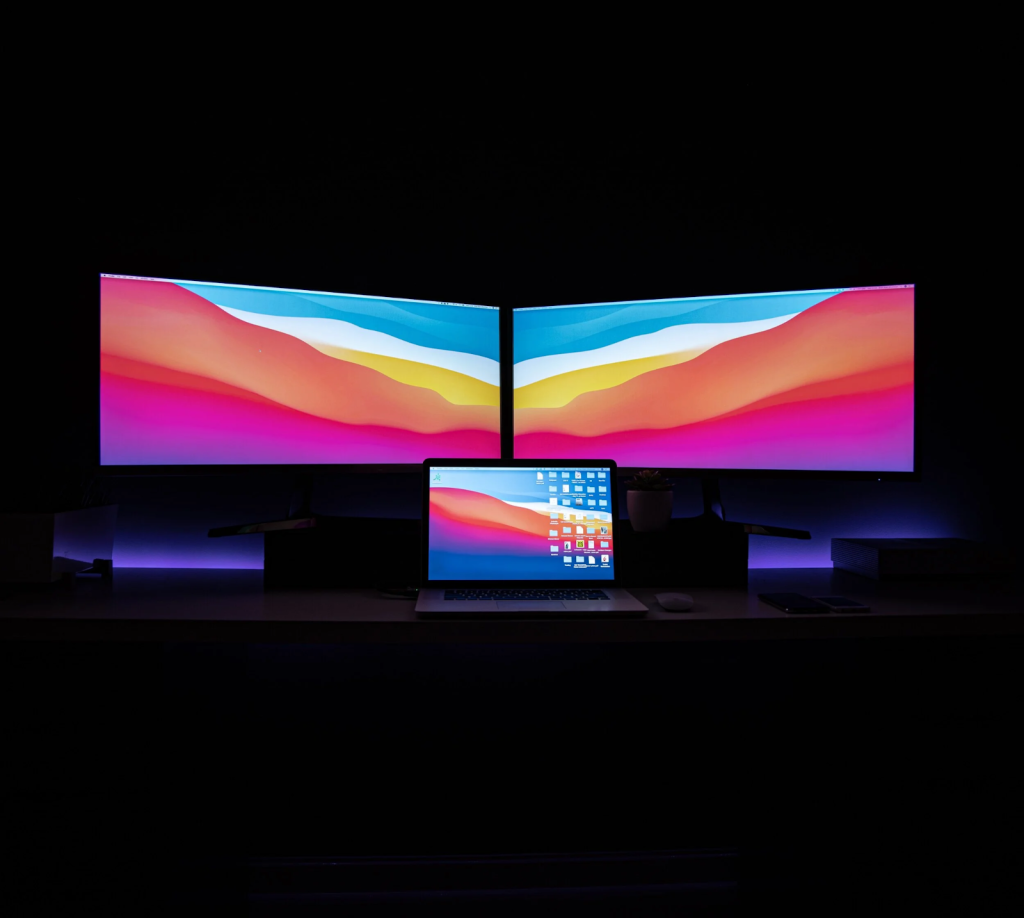
Dual portable monitor configurations use two external displays and are a popular choice among pros who need extra real estate and a desktop-like workspace when away from home. But if the color profile and calibration of both devices don’t match, the end result is inconsistencies that may be noticeable and even affect the quality of your output.
To ensure a consistent experience across dual portable monitors, professionals using them for design, photo editing, and media work should check the following parameters:
- Color gamut (both monitors should cover at least 100% sRGB or 99% DCI-P3)
- Calibration method and the calibration device used
- Brightness and color temperature
Uniform color output is essential to your workflow, especially when it comes to comparing designs and grading.
7. Gaming and Entertainment: A World of True Colors
The goal of gaming consoles like PlayStation 5 is to offer HDR (High Dynamic Range) visual experience, which heavily relies on accurate color.
Coupling a console with a portable monitor for PS5 that also has HDR support and wide color gamut coverage will make all the difference. Accurate and lifelike colors are what bring out the details of virtual environments, and that makes a game world much more convincing and fun.
Gamers who also stream or record their gameplay benefit from high-quality, color-accurate monitors, as they can rest assured that the output will look consistent across all platforms.
8. Productivity and Comfort: The Human Factor
Color calibration is not only about the aesthetics of the display, as imprecise color reproduction and an uneven backlight can contribute to eye fatigue and headaches. This is one of the reasons why a portable monitor, which usually has uniform brightness levels and advanced controls, is better than low-end devices.
An accurate monitor also features:
- Enhanced contrast for crisper text and images
- Better color representation for collaborative work and sharing
- Consistent display between different devices and outputs
Color accuracy is a quality that extends beyond technical requirements — it directly impacts your comfort, visual experience, and output.
9. Choosing the Right Portable Monitor for Color Accuracy
When it comes to shopping for a portable monitor, here are some of the features to consider and look for if color performance is your priority:
- Panel Technology – IPS or OLED panels offer better color accuracy
- Color Gamut Coverage – 100% sRGB, 99% Adobe RGB, or DCI-P3
- Factory Calibration – Certificates or software utilities that confirm a device is pre-calibrated
- HDR Support – Dynamic range, brightness, and contrast for a more cinematic look
- Resolution – 2K or 3K for more detail for design, editing, or work
- Portability and Connectivity – Size, weight, battery, and available ports like USB-C
An OLED monitor features many of these characteristics, from color fidelity to resolution and gamut support.
10. The Future of Portable Display Color Accuracy
Display technology is continuously evolving, and portable monitors are quickly narrowing the gap with desktop-grade screens in terms of performance and build quality. Innovations of the near future may include:
- Mini-LED and Micro-LED panels with even greater brightness and precision
- AI-based color calibration that can adjust to ambient lighting dynamically
- Quantum Dot enhancements for increased color gamut and better energy efficiency
All these trends will undoubtedly improve the experience for color professionals, gamers, and business users who need visual consistency in mobile or flexible setups.
Conclusion
Color accuracy is more than just a number on a datasheet, and it’s one of the most important factors that determine the quality of your visual experience. Designers and photographers inspecting and editing their creations, gamers losing themselves in a new world, and business users collaborating with colleagues all demand a level of precision that a portable monitor for ps5 or a dual portable monitor can offer.
An OLED monitor provides the best example of today’s display capabilities: an amazingly thin and lightweight device with superb color fidelity, contrast ratio, and high resolution that match the performance of even the most expensive desktop screens.
Portable monitors are no longer a compromise when it comes to quality, resolution, and connectivity, as innovative technologies like OLED and Mini-LED are redefining the entire experience for creatives, gamers, and professionals on the go.


